Intuitive content management systems with advanced publishing workflows and user-friendly admin panels.
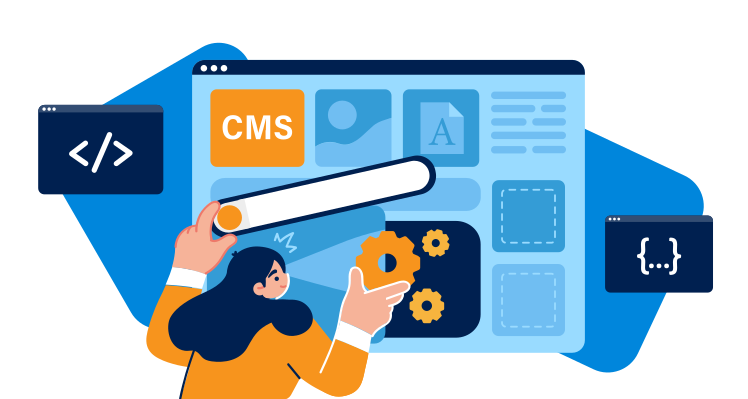
Custom Content Management System Development
Empower your team with a custom CMS built specifically for your content workflow. I create intuitive, powerful content management systems that make updating your website effortless.
Why Custom CMS?
While platforms like WordPress work for many, a custom CMS offers:
- Perfect Fit: Built exactly for your content types and workflow
- Better Performance: No bloat, only the features you need
- Enhanced Security: Custom architecture reduces common vulnerabilities
- Scalability: Grows with your business without limitations
- Integration: Seamlessly connects with your existing systems
CMS Features I Build
Comprehensive content management capabilities:
- Intuitive content editor with rich text formatting
- Media library with image optimization
- User roles and permissions system
- Content scheduling and publishing workflow
- SEO tools and meta tag management
- Multi-language support
- Custom content types and fields
- API for headless CMS functionality
Admin Experience
User-friendly admin interface featuring:
- Dashboard with analytics and quick actions
- Drag-and-drop page builder
- Bulk content operations
- Content preview and revision history
- Mobile-responsive admin panel
Multi-Site Management
Perfect for agencies and businesses managing multiple websites:
- Single dashboard for multiple sites
- Shared content libraries and templates
- White-label admin interface
- Centralized user management
- Custom CMS development from scratch
- Intuitive admin interface design
- Rich text editor with media support
- User roles and permissions system
- Content scheduling and workflow
- SEO optimization tools
- Multi-language support
- Custom content types and fields
- API for headless functionality
- Media library with optimization
- Backup and restore functionality
- Analytics and reporting
- Mobile-responsive admin panel
- 4 months post-launch support
Content Strategy
Analyzing your content types, workflow, and user requirements
System Architecture
Designing the CMS structure and database schema
Admin Interface
Building the user-friendly admin panel and editor
Content Features
Implementing content management and publishing features
User Management
Setting up roles, permissions, and user workflows
Testing & Training
Quality assurance and team training on the new system